


Welcome to SkyDemon
We make the best VFR flight-planning and navigation software in the world, and we can't wait to show it to you.
Try our software free for 30 days to see how SkyDemon can make your life easier. Works on iPad, Android, iPhone and PC.
Start Using SkyDemon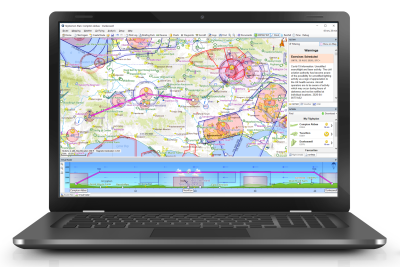
Plan
Our flight-planning features make planning your flights easy, quick and fun. We bring you all the information you need and present it intuitively around our own vector charts, which are the clearest in the industry.
Overlay a personalised weather forecast on the map suitable for your own flying preferences. Read a clear NOTAM briefing and clearly visualise what temporary hazards exist. Compare airfield notes with other pilots and prepare a comprehensive briefing pack for your flight.


Navigate
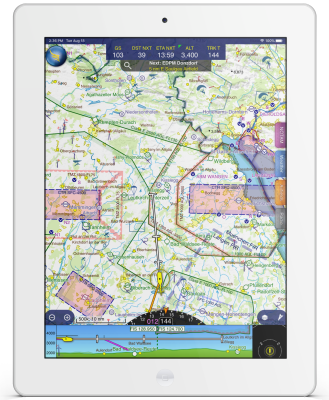
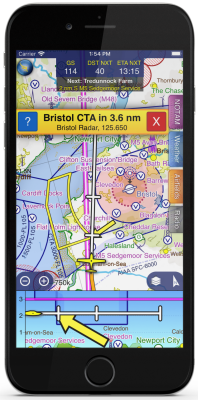
Our navigation features help you relax while flying, keeping you on track and warning you of hazards including temporary flight restrictions, airspace and even other aircraft. Unexpected diversions and changes to your route are made easy.
Query the map to find airspace activation, and discover the right frequency to call for clearances and flight information. If you have a suitable receiver, your own virtual air traffic controller will keep you informed about other nearby aircraft. Use our comprehensive library of European approach plates.